- 1
Gather Materials
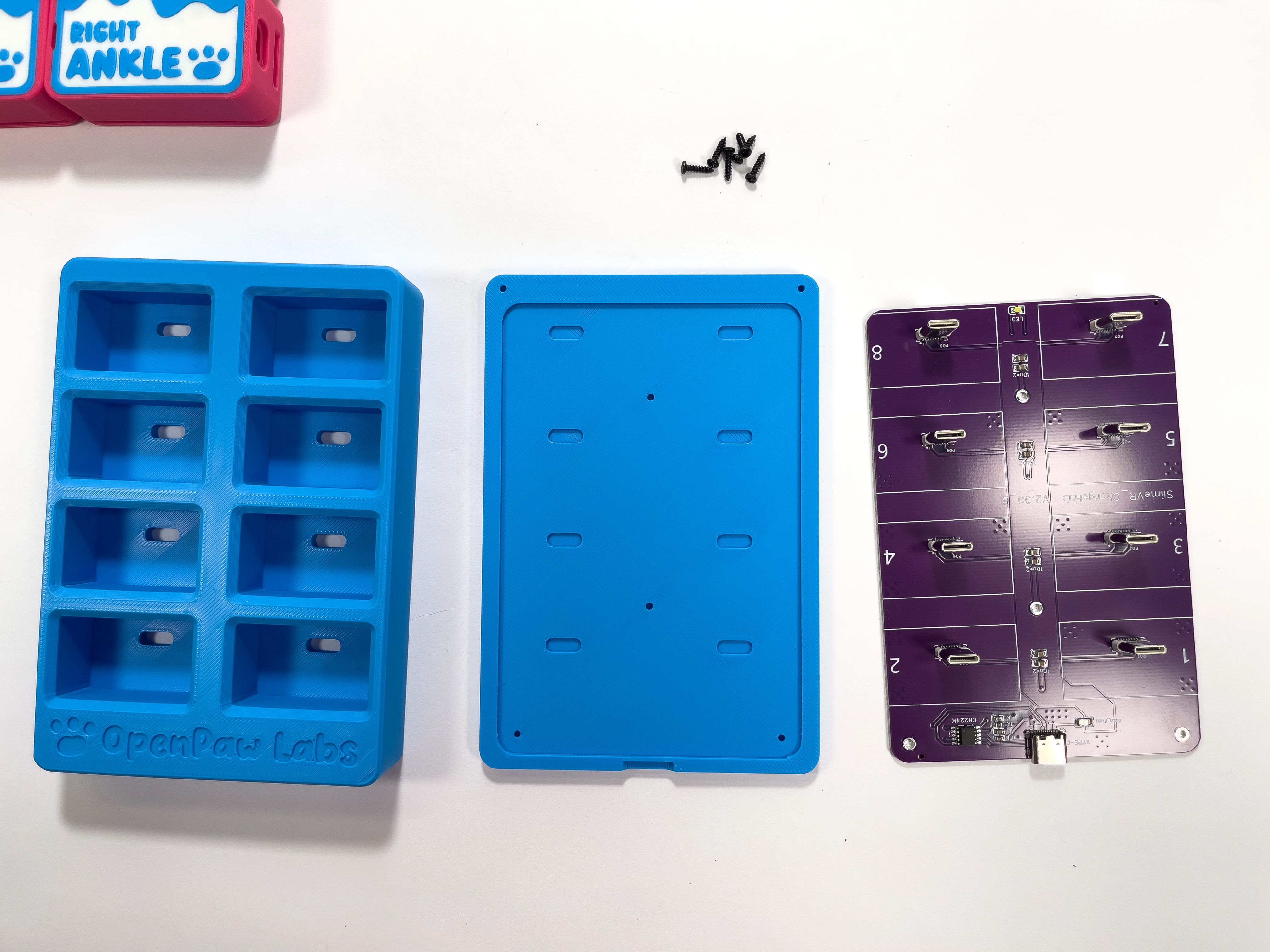
Grab all of the parts you need to build the Charging Dock
You will need:
1 x Charging Dock Board
6 x M2 8mm Screws (Self Tapping), included in Kit
1 x Dock Case Top
1 x Dock Case Bottom
- 2
Put Charging PCB in Case
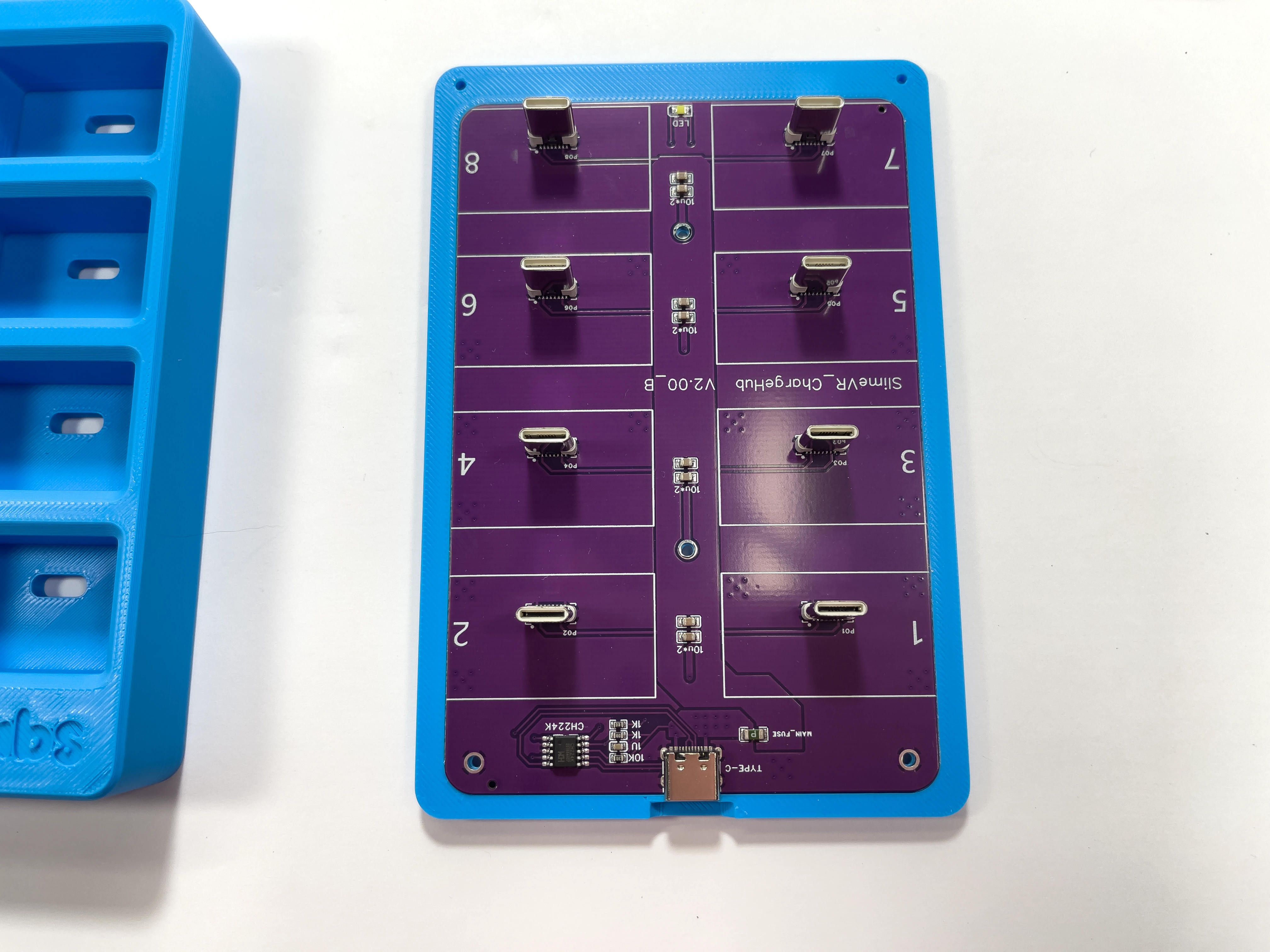
Align the USB-C port with the notch on the case and push the charger board into the bottom of the Charging Dock case.
- 3
Put on Case Top
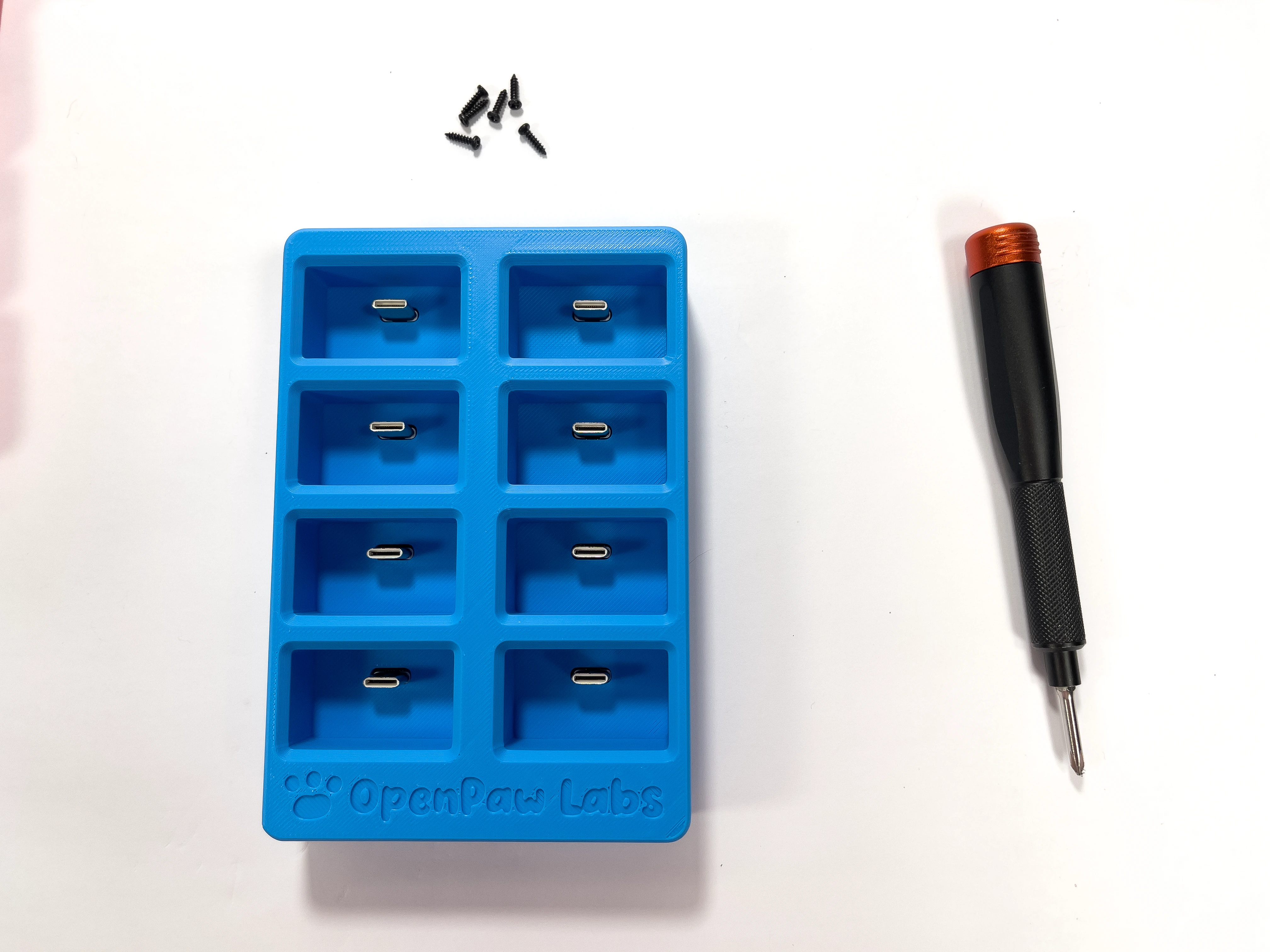
Align the USB-C port cutouts and place the top of the Charging Dock case on top of the charger board.
- 4
Screw together
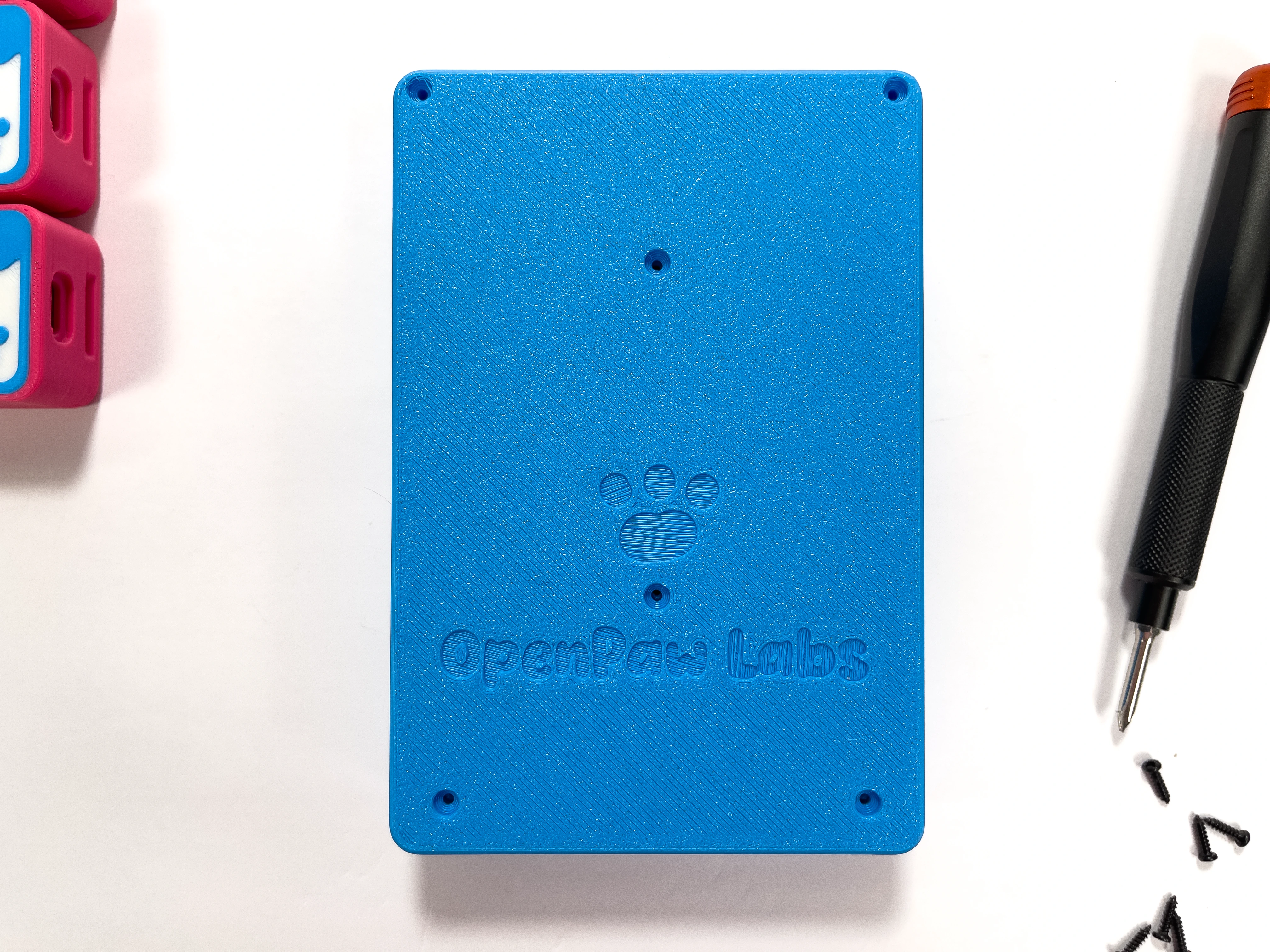
Grab your Philips #1 Screwdriver
Use 6 x M2 8mm screws to connect the Charging Dock case together
- Note:
Do not over-tighten the screws as they will break off if over-tightened. Only tighten the screws enough to hold the charging dock together.
- 5
Dock Complete!
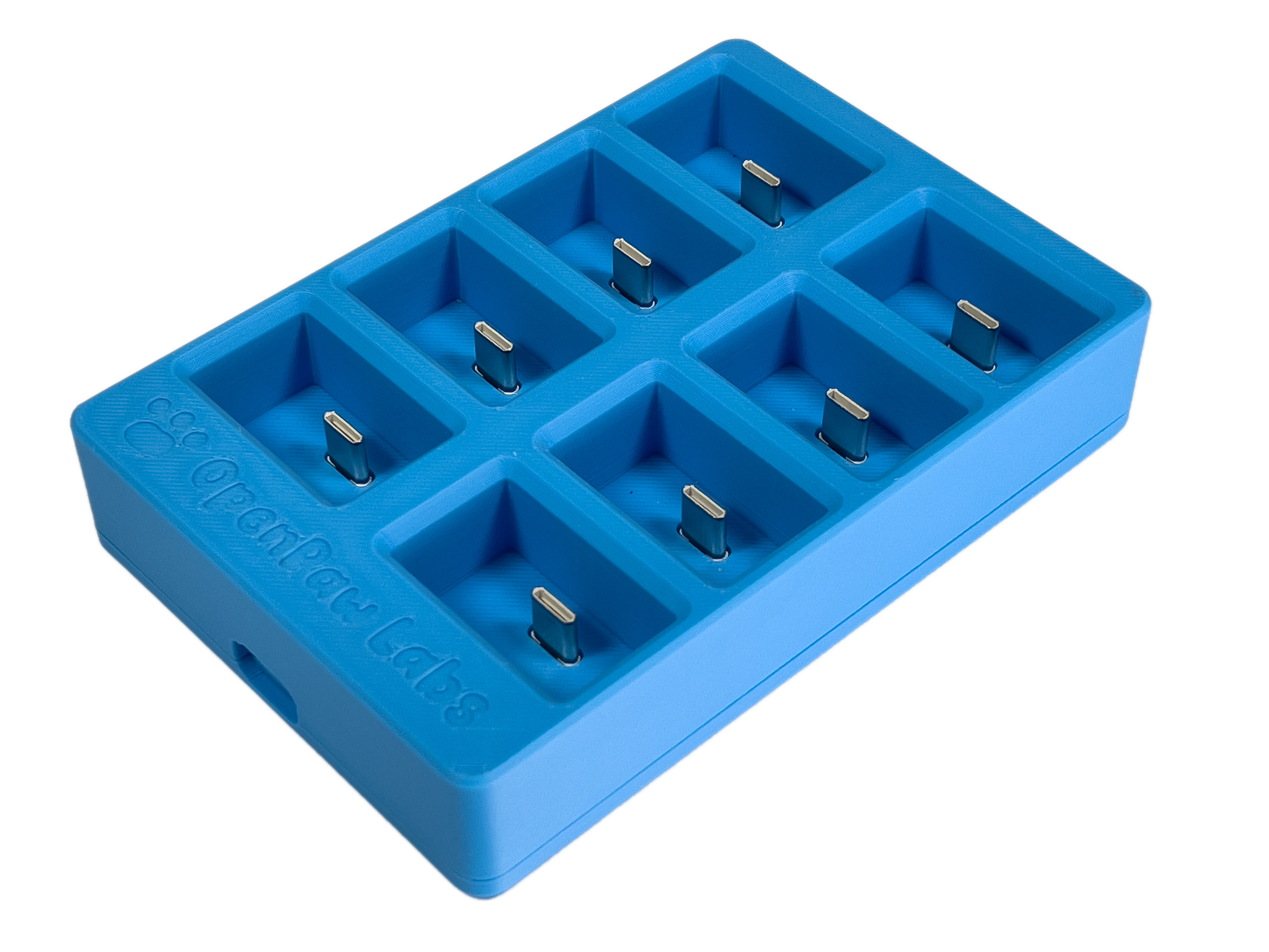
You are done! Go ahead and place all of your trackers into the Charging Dock.

Dock Assembly
Easy5 minutes
Assemble the Charging Dock.


